Hochschulsport

Kilometer-Tracking

In order for us to track your progress week by week, it is important that you record every cycling route you take. Here's how it works: 

Track your activities

Track your activities on Strava: 
1. Turn on your “location.”
2. Open Strava and click on “Record.”
3. Select the sport “Cycling.”
4. Press the start button to start and record the activity.
5. When you are finished, end the activity. 

Your activities will only be visible to your team club if your profile is set to “public” (see settings) and you are following each other as team members. 

Enter activities

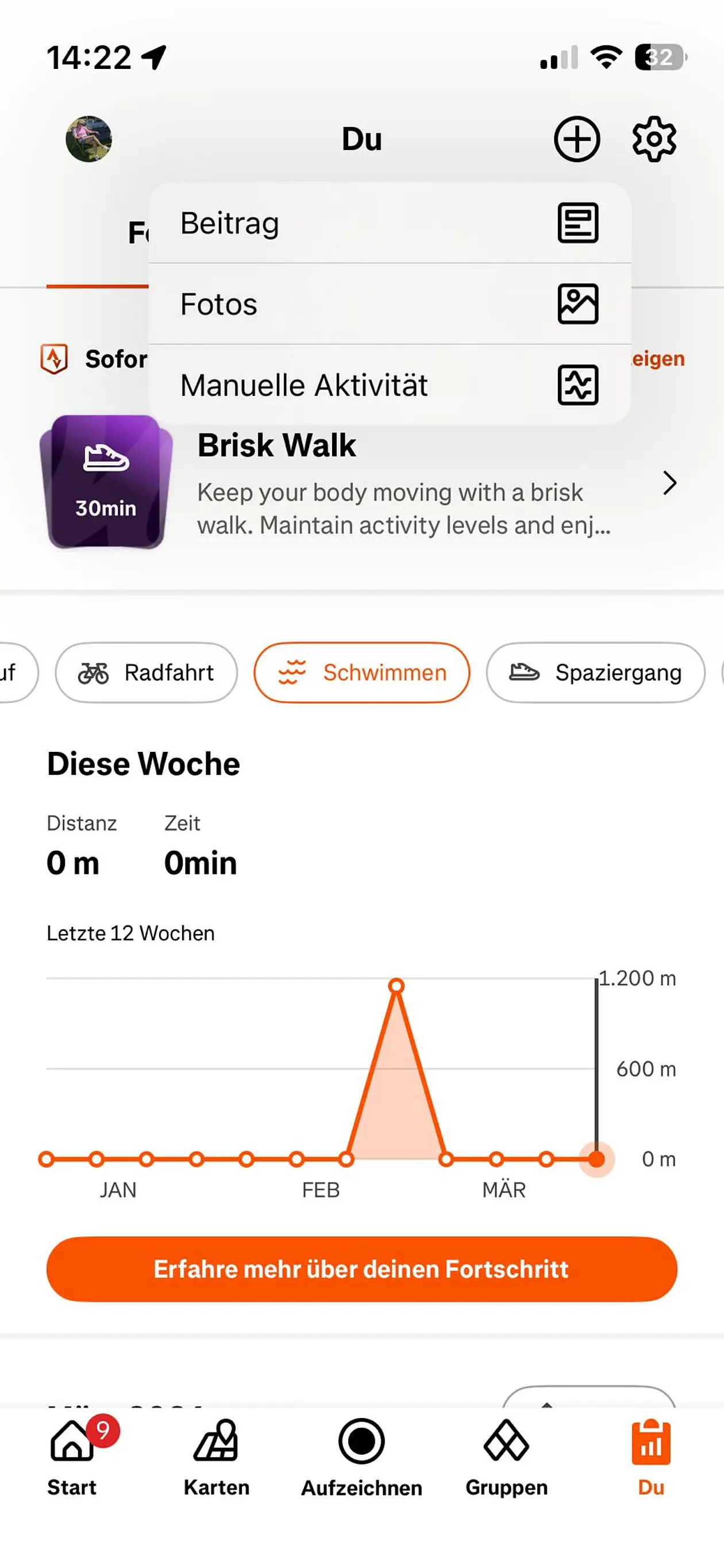
Were there any technical errors during the recording? Don't worry — such errors can happen from time to time. You can add activities later using the 'Manual Activity' function. Here's how: 

1. Open the Strava app
2. Go to your profile (“You”)
3. Click on the + icon in the top right corner
4. Select “Manual Activity”
5. Fill in the activity details 

Good to know: If you don't want to display the exact details of your ride, this method is a good alternative to normal tracking. The prerequisite is that you have recorded the route elsewhere, so that you can provide the relevant information and remain fair to your fellow competitors.

Activities must be entered promptly, as we review the data almost daily. It is best to enter the activities on the same day; otherwise, we cannot guarantee that they will be included in the analysis.

Profile and Activity Settings

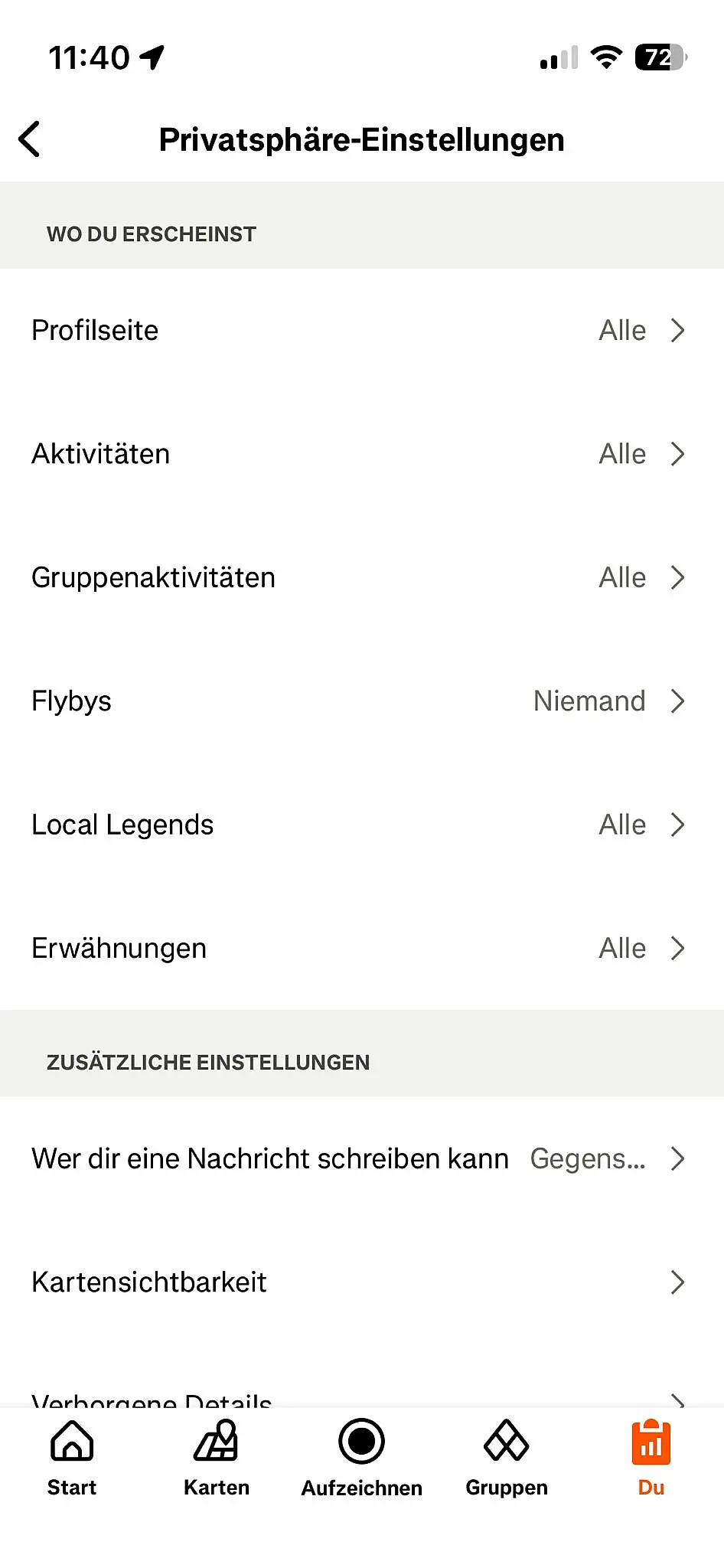
Please set your profile and activities to “public” for the duration of the RadCHALLENGE. You can adjust these settings in “Settings” under “Privacy Settings.” Please make sure that your profile page is set to “Everyone,” your activities are set to “Everyone,” and your group activities are set to “Everyone.” Thank you! 

The RadCHALLENGE is over – what’s next?

Offboarding on Strava

Once the RadCHALLENGE is over, you can change your Strava settings as you like.

Option 1: Make your profile and activities private @TeamMember

  • Set your profile to “Private” in the settings.
  • Also set the visibility of your activities to “Private” in the settings.

Option 2: Make the club private @TeamLead

  • Open the club settings.
  • Enable the “Join club by invitation only” option.

Alternatively: Dissolve the club or leave the club @Team Leader and @Team Member

  • If the club is no longer needed after the challenge, it can be completely dissolved, or individual team members can leave the club (go to Members > Leave Club) 

All set? Great, then you're ready to go and can start. 
SGM BeTaBalance wishes you lots of fun and success with the RadCHALLENGE!


Contact

Contact information

The Student Health Management  BeTaBalance is organizing the RadCHALLENGE. If you have any questions, please contact our team.

+49 7071 29-76066

 radchallengespam prevention@ifs.uni-tuebingen.de

Instagram

Feel free to take some photos at the RadCHALLENGE and tag us on Instagram @betabalance_unituebingen.