Using bwFileStorage
The storage can be used with the SCP, SSH, SFTP and HTTPS protocols. With SCP and SFTP you can exchange Data between a Client and the bwFileStorage-Server. For the data management a SSH login on the Front-End and a Webfrontend via HTTPS is available.
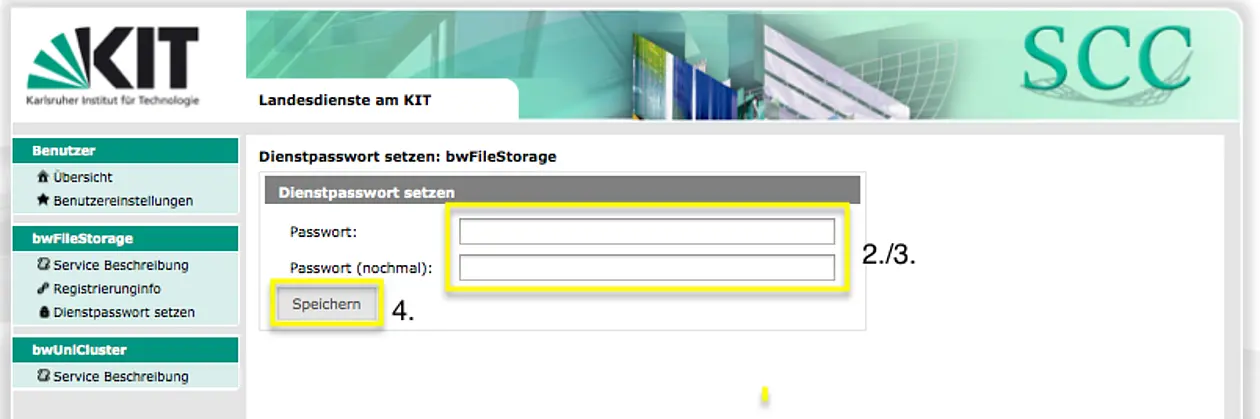
In the following commands you need to replace ""ZDV-Login-ID"" with your ZDV-Login-ID of Tübingen. You will be asked for your service password and never for your central password of Tübingen .
Secure Copy Protocol (SCP)
Write the following command in a terminal, substituting "myfile" with the file you want to upload. You will be asked for your service password.
scp ~/myfile tu_ZDV-Login-ID@bwFileStorage.lsdf.kit.edu:~/mydir
Secure Shell (SSH)
With the SSH protocol you can manage your data.
ssh tu_ZDV-Login-ID@bwFileStorage-login.lsdf.kit.edu
HyperText Transfer Protocol Secure (HTTPS)
- Click on https://bwsonas.lsdf.kit.edu/
- Login with your tu_ZDV-Login-ID using your service password.
Further informationen you can find here:
https://bwsonas.lsdf.kit.edu/dokumentation/Nutzerhandbuch.pdf