University Library

Room booking system anny

1. Logging into anny

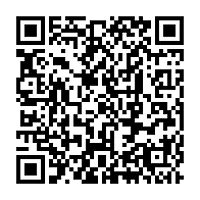
Please log in to anny via this link or the QR code, using your Tübingen University ZDV credentials.

If you only see a map after logging in, switch the view at the bottom center to “Grid”.

2. Booking a workspace

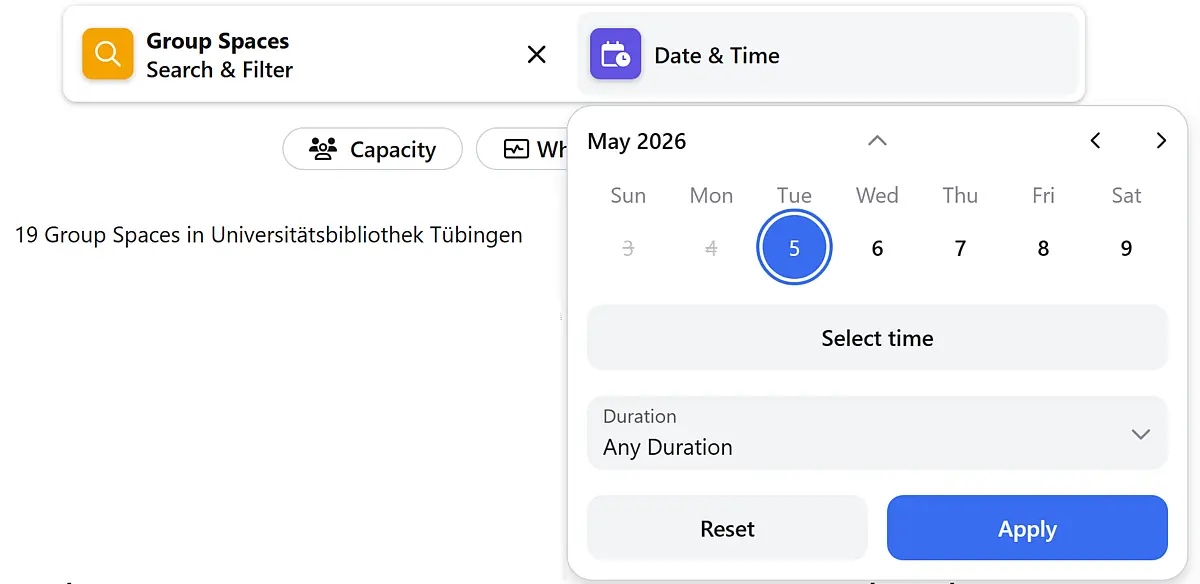
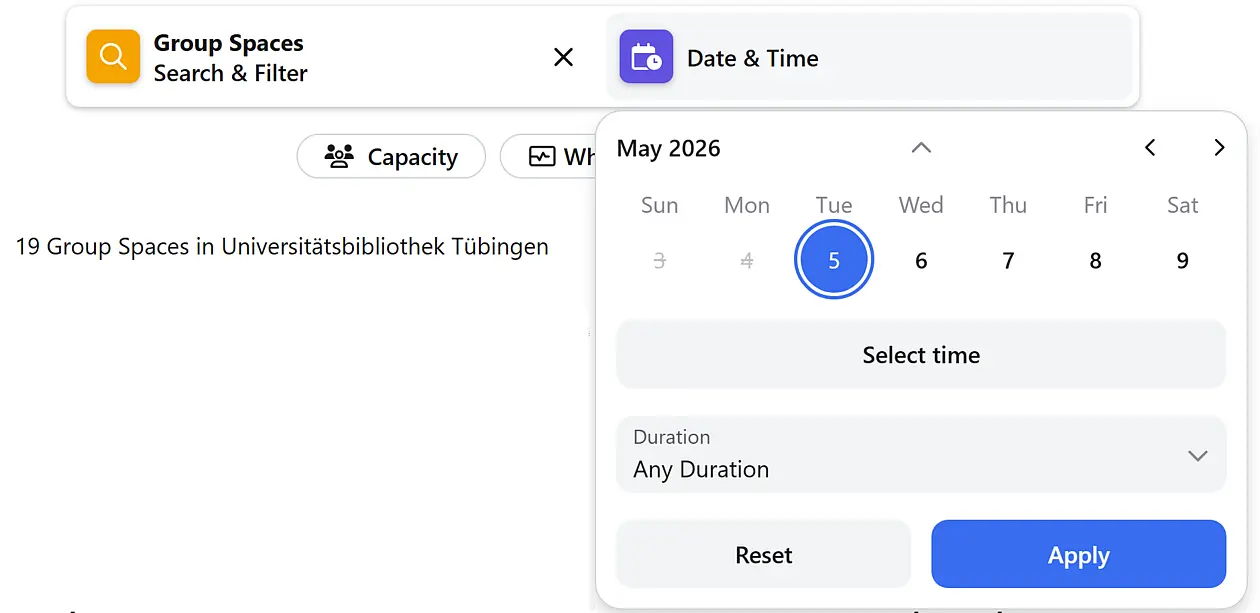
In the menu under “Explore”, you will see all available group workspaces. You can filter by group size and equipment, select the date first and then the time, and click “Apply” to start your search.


Alternatively, you can display all available rooms by selecting the date first and then the time, and then clicking “Apply.”

Bookings can only be made on the hour, even though quarter-hour intervals are shown in the search.

3. Reservation confirmation with PIN

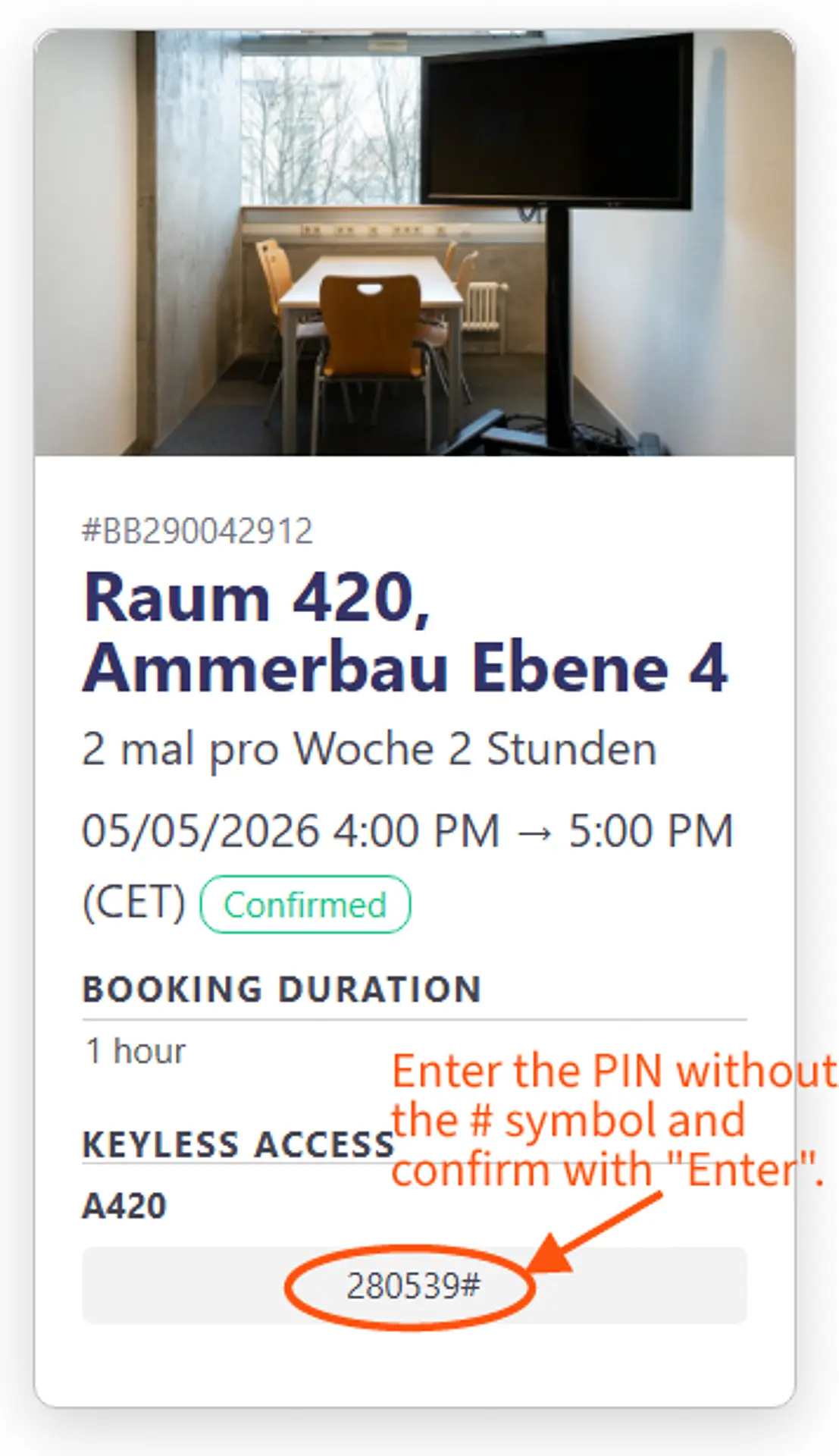
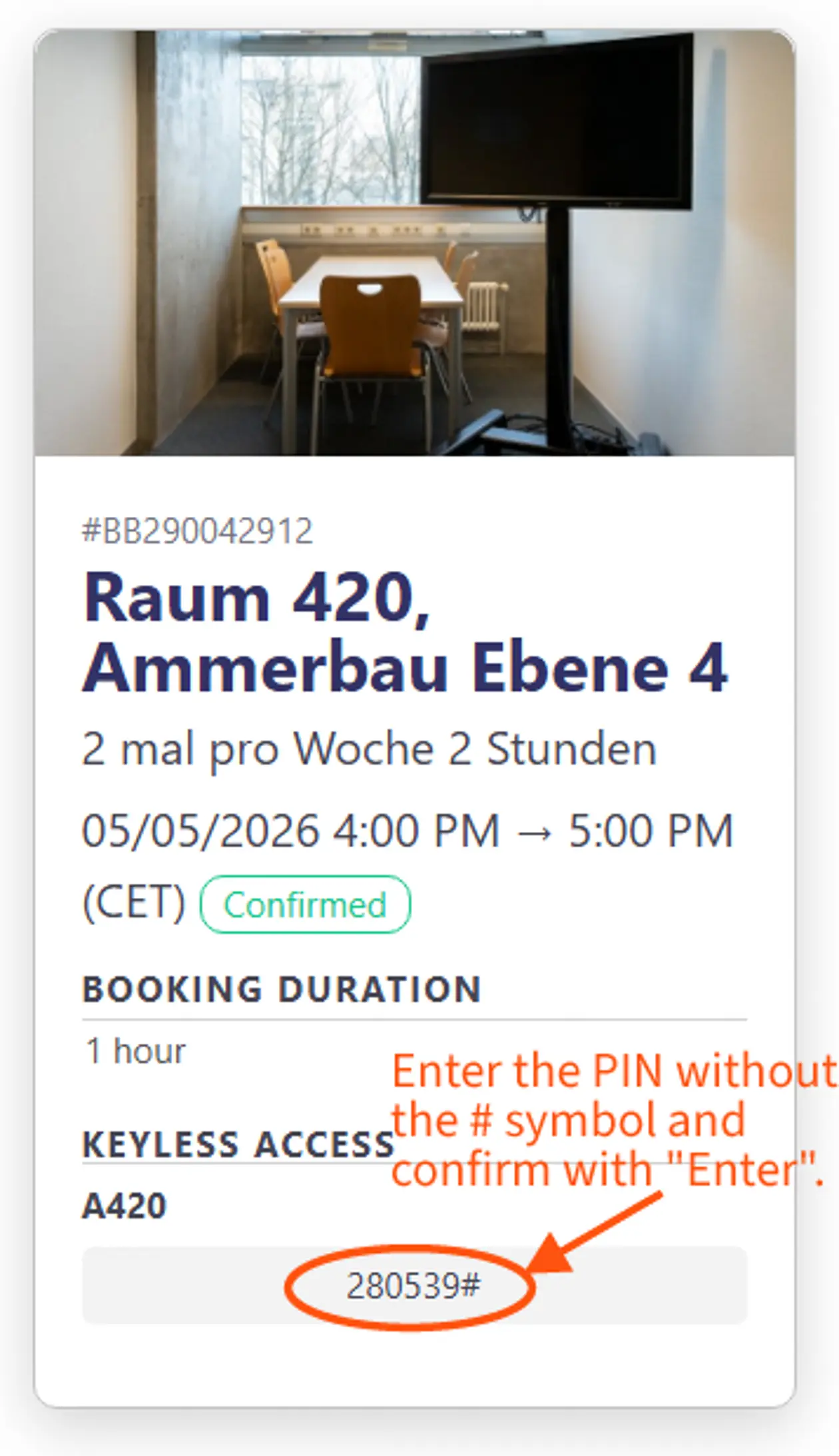
You will receive a booking confirmation that includes a PIN. Enter this numeric code on the keypad at the door at your booking time. The PIN is valid for the entire booking period, meaning if you briefly leave the room, you can re-enter using the same PIN.

Please note that the PIN expires after the booking period ends, and you will no longer be able to access the room.

4. Entering the PIN at the door

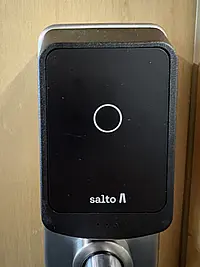
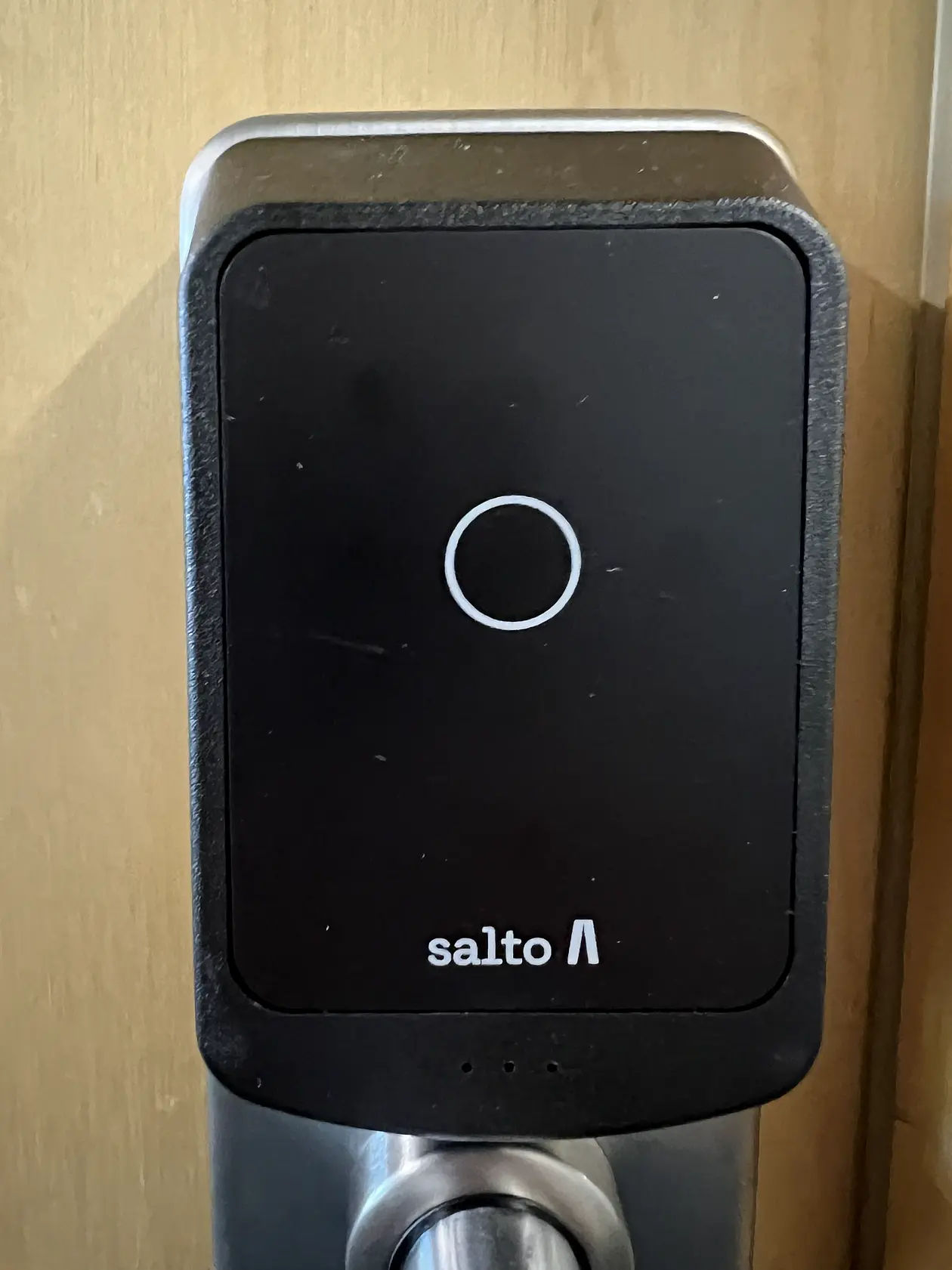
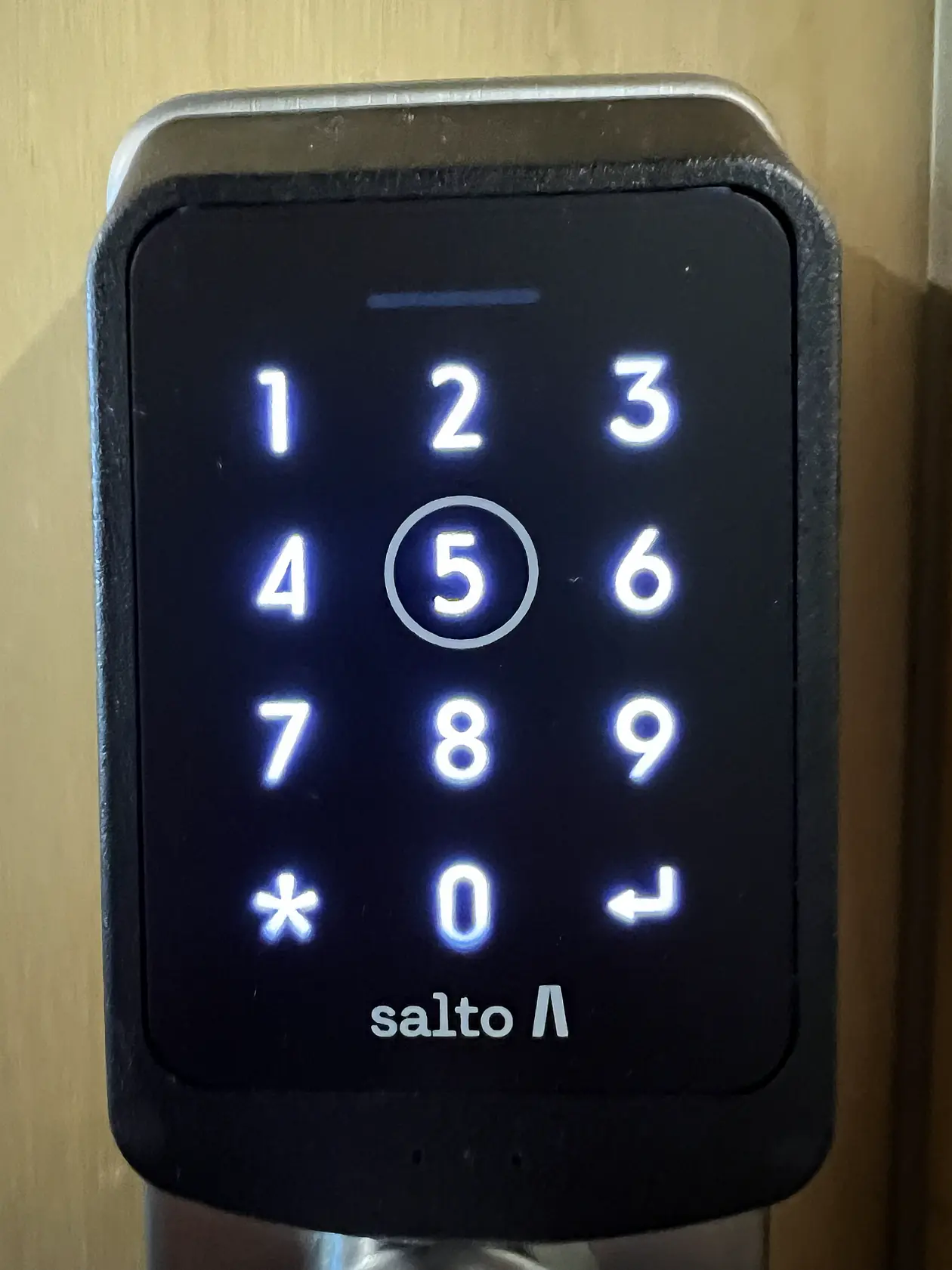
Tap the circle in the center of the lock to activate the keypad:


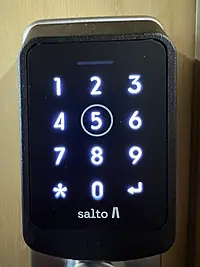
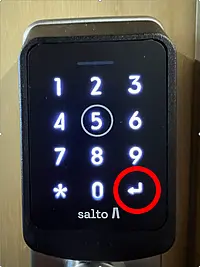
The keypad will be active for a few seconds. Enter the six-digit PIN (without #) from the confirmation email:


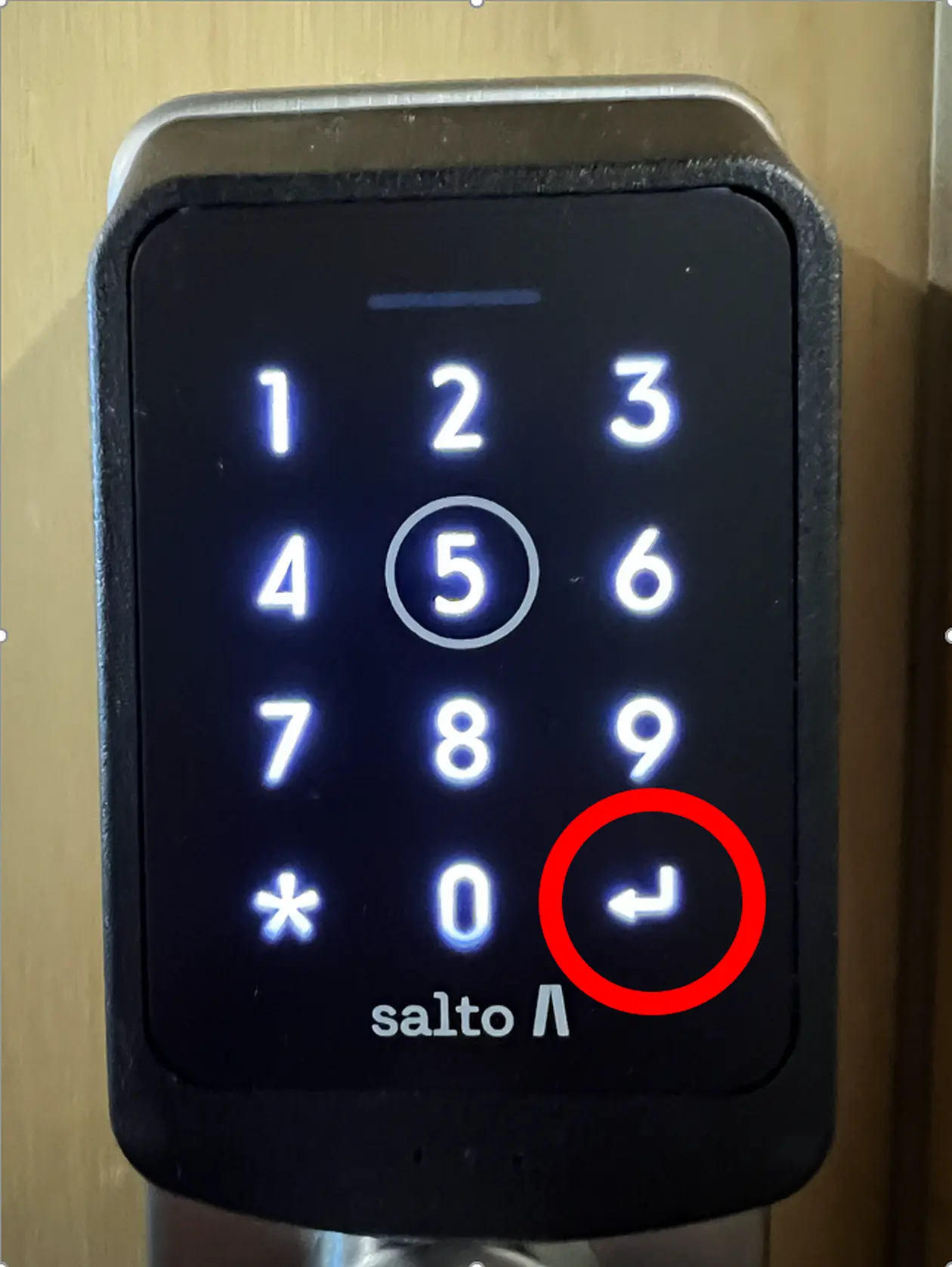
Tap “Enter” to confirm the PIN. The lock will open: